


.svg)


6 Best Occupancy Sensors for Workplaces [2026 Comparison]
Badge swipes tell you who entered the building. Room bookings tell you what was reserved. But neither tells you whether space was actually used, by how many people, or for how long.
Occupancy sensors fill that blind spot. But how accurately they do it, and what tradeoffs they require, varies widely across systems.
Here's what workplace teams should evaluate before committing to a solution:
- What the sensor detects, and what that means for privacy: Some systems rely on cameras or device tracking, while others use thermal or infrared light signals. Understanding the underlying detection method matters both for employee trust and for compliance in sensitive spaces like wellness rooms or restrooms.
- Where it can actually be deployed: Not all sensors work in every environment. Some technologies are constrained by lighting conditions, ceiling height, or space type. It's worth confirming whether a system can cover your full footprint before signing a contract.
- How the data gets out: A sensor that only surfaces data inside a proprietary dashboard is a fundamentally different product than one built around open APIs. If you plan to connect utilization data to your BMS, cleaning systems, or workplace platforms, integration flexibility will determine how much value you actually extract.
- Total cost at scale: Hardware pricing is rarely the whole story. Installation complexity, ongoing maintenance, and the IT resources required to manage a system can make an inexpensive sensor expensive in practice.
This guide compares 6 occupancy sensor systems built specifically for workplace environments. We’ll start with our own solution at Butlr and review additional options, including VergeSense, PointGrab, XY Sense, Avuity, and Density.
Each profile covers sensor technology, pros, cons, and pricing, starting with a side-by-side summary.
Occupancy Sensors at a Glance
You're likely to run into these platforms as you research the top options out there, so you can compare their key sensor/technology features, pros, cons, and pricing here.
Butlr
Best For: Teams that need fully anonymous occupancy data across the whole building, including privacy-sensitive spaces, with data flowing into other systems.
Butlr is a privacy-first AI platform for intelligent buildings. Its sensors detect presence, movement, traffic flow, and space usage without cameras, biometric data, or identity tracking. Here's what separates Butlr from other occupancy sensing platforms.
1. Your occupancy data stays completely anonymous by design
Butlr's sensors read only thermal signals (heat patterns, not images), so they never collect personally identifiable information (PII) and can't infer individual identities or biometrics. This is a hardware-level constraint, not a software setting, which means there's nothing to configure or worry about on the privacy side. Because the privacy protection is built into the hardware itself, there's no setting for anyone to misconfigure.
Because there's no camera involved, Butlr can be deployed in spaces most sensor solutions can't go, like restrooms, healthcare facilities, and public areas where visual monitoring raises legal concerns.
2. You get accuracy that traditional motion sensors can't match
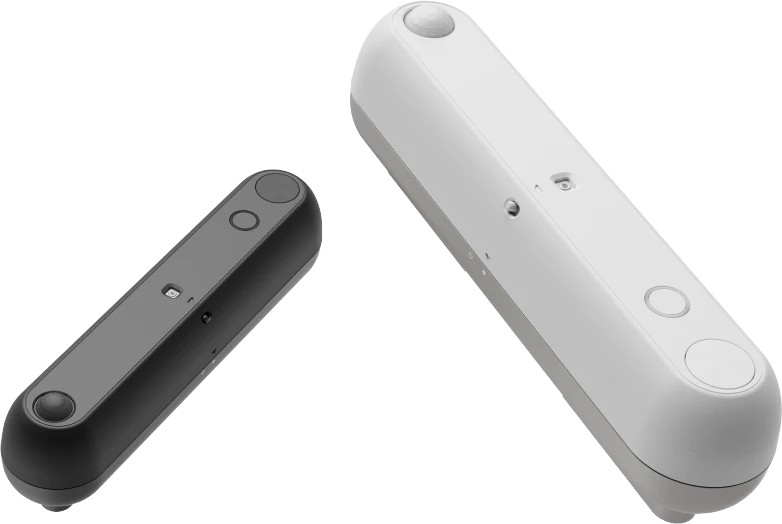
Traditional PIR (passive infrared) motion sensors tell you whether someone is in a space or not. That's all they do. Butlr's sensors deliver 95% accuracy with real-time headcounts, coordinates, dwell time, and movement data.
For example, instead of just knowing a conference room is "occupied,"a facility manager can see that a 12-person room is consistently used by only three or four people. That pattern might signal an opportunity to reconfigure the space into two smaller rooms that better match how teams actually work.
3. Your data flows directly into the tools you already use
The platform is built on an API-first architecture, meaning real-time occupancy data feeds directly into your existing tools rather than staying locked inside Butlr's own dashboard. That includes workplace management software, facility management systems, energy platforms, cleaning tools, and digital twins. Butlr shares data via APIs and webhooks so your team can build on top of it.
4. Deployment takes weeks, not months
Butlr's Heatic 2+ sensors are easy to install. No electrician or complex wiring is required, and they connect over Wi-Fi, Ethernet, or cellular for multi-building rollouts across regions. Teams that want to skip battery changes can switch to the Heatic 2 Wired version, which runs on PoE or low-voltage DC power.
Key Occupancy Sensor Features
What Real Customers Are Saying About Butlr
“Butlr’s technology has proven to be indispensable to our workplace endeavors. From repurposing office spaces to implementing smart cleaning schedules, we are revolutionizing the way we operate, ensuring efficiency and productivity at every step”
- Zubair Chowdhry, Workplace Tech & Data Lead at Snowflake
“Measuring space utilization is such a core focus to maximize corporate real estate ROI at the moment. Podium Property Insights relies heavily on our global partner Butlr to capture space occupancy metrics that take the mystery out of how space is being utilized - at the most granular and accurate levels.”
- Colin Dominish, Head of Podium Services at Lendlease
Pricing
Custom pricing available upon request.
Optimize square footage, and recoup leasing and serviced office costs without sacrificing the employee experience. Get a demo of Butlr to see how we can help you understand which types of spaces enable employees to do their best work and de-risk portfolio and workspace changes.
VergeSense
Best For: Teams that want to compare their utilization against a large industry benchmark dataset.
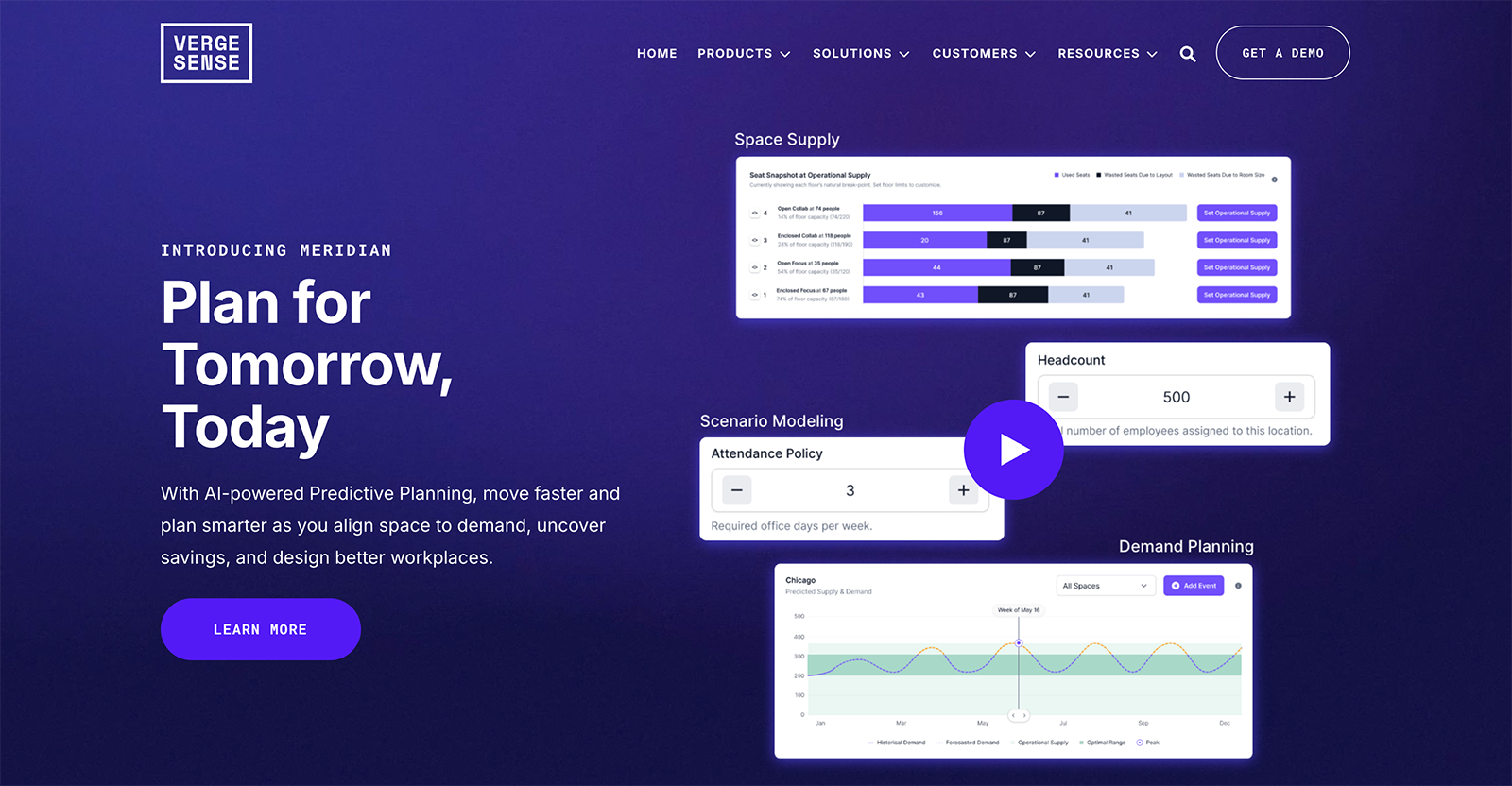
VergeSense is an AI-powered planning platform designed for corporate real estate and workplace teams. It uses camera-based sensors to collect occupancy data, which feeds into its analytics platform for benchmarks, planning models, and reporting. The platform is geared toward monitoring high-value spaces like conference rooms, collaboration areas, and open office zones.
Key Occupancy Sensor Features
Advantages
- Built-in analytics, benchmarks, and planning models give workplace teams a single platform for real estate and portfolio planning
- Advisory and managed services available for teams that need hands-on support beyond data collection and analysis
- API access included on the standard pricing model, so teams can pull occupancy data into their own tools without paying for a higher tier
Shortcomings
- Camera-based sensing can trigger legal, IT, and employee privacy concerns, particularly for deployments outside the US
- Designed for selective spaces rather than wall-to-wall coverage, which can limit full-building visibility
- Phased rollouts and the need to position and configure each sensor can slow time to value compared to simpler install methods
Pricing
Custom pricing available upon request.
For teams specifically evaluating VergeSense, it may also be useful to compare how it stacks up against other workplace occupancy platforms in more detail.
PointGrab
Best For: Teams that want to split one sensor's view into multiple counting zones, such as separate desk clusters.
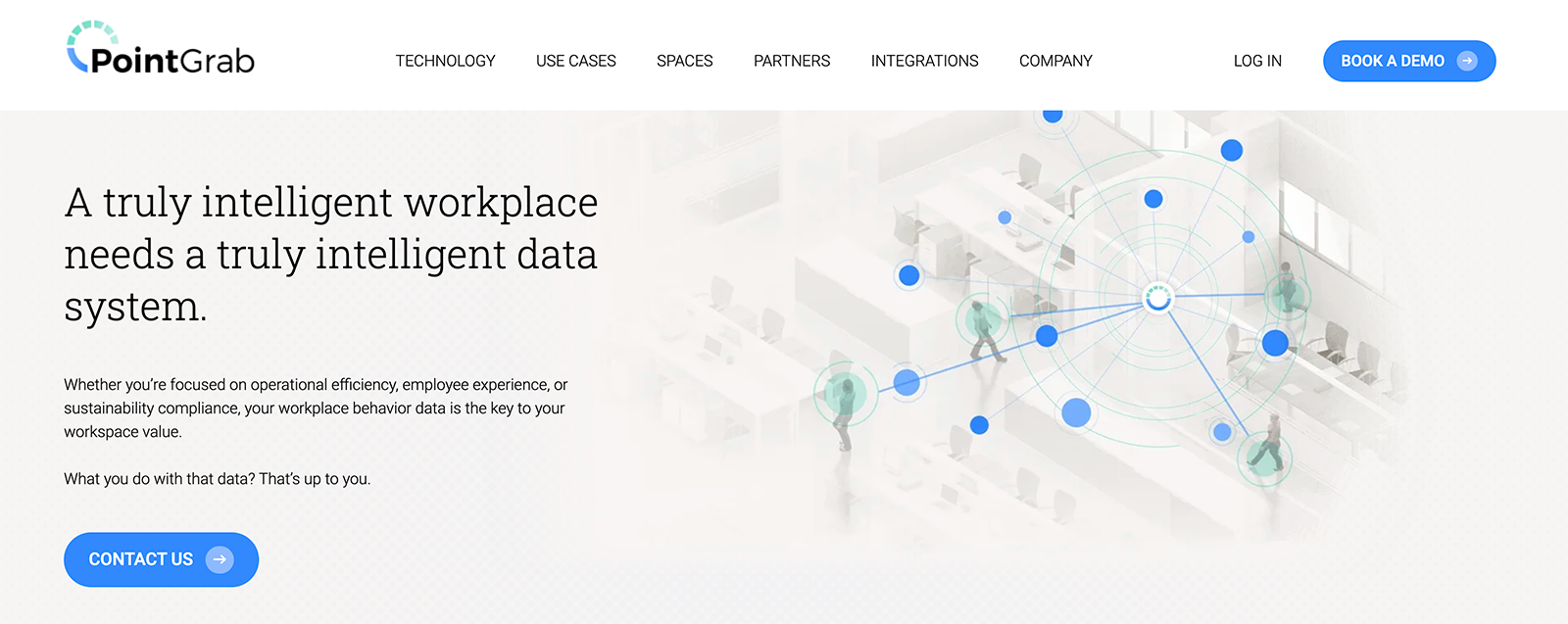
PointGrab is a workplace intelligence platform that uses a series of wired and wireless sensors to generate occupancy insights. Its technology combines optical and PIR sensors, typically deployed in selective areas rather than full portfolios. PointGrab also offers a cloud management platform for configuring sensors, defining detection areas, and exporting data.
Key Occupancy Sensor Features
Advantages
- Offers visualization and reporting tools for facility teams focused on understanding space utilization
- A single sensor covers multiple use cases: occupancy count, motion tracking, object detection, and traffic counting
- API available for data export and third-party integration
Shortcomings
- Optical sensing means teams may need to complete a privacy review before deploying, especially in the EU
- More involved installation requirements and calibration needs make large-scale rollouts more complex
Pricing
Custom pricing available upon request.
XY Sense
Best For: Permanent open-plan installs where cutting cable runs matters.
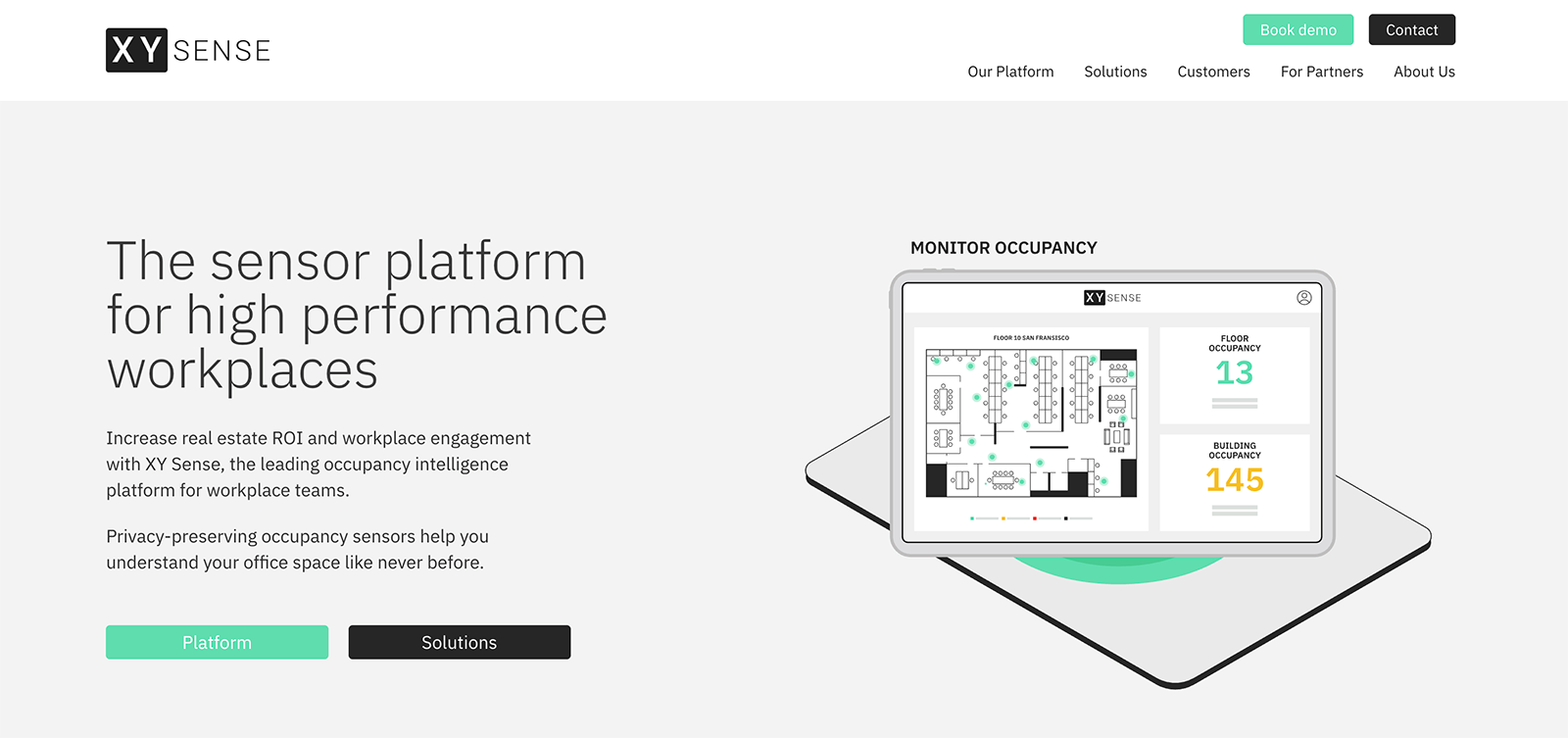
XY Sense is a workplace analytics platform that uses ceiling-mounted sensors to capture occupancy and utilization data. The sensors track the
XY coordinates of individuals relative to the sensor, without capturing images or personal information. Data feeds into XY Sense's analytics platform for reporting on utilization trends, hybrid planning, and portfolio optimization.
Key Occupancy Sensor Features
Advantages
- Multiple sensor types (area, entry, presence) allow teams to match hardware to specific space types
- Built-in air quality monitoring integrations add environmental data alongside occupancy insights
- Captures coordinate-level data without images, which simplifies privacy conversations compared to camera-based systems
Shortcomings
- Some deployments use sampled coverage to limit hardware costs, which can leave gaps in full-building visibility
- Separate sensor types for different spaces add complexity to planning and procurement
- Privacy controls and governance steps are required, which may extend the approval process
Pricing
Custom pricing available upon request.
Avuity
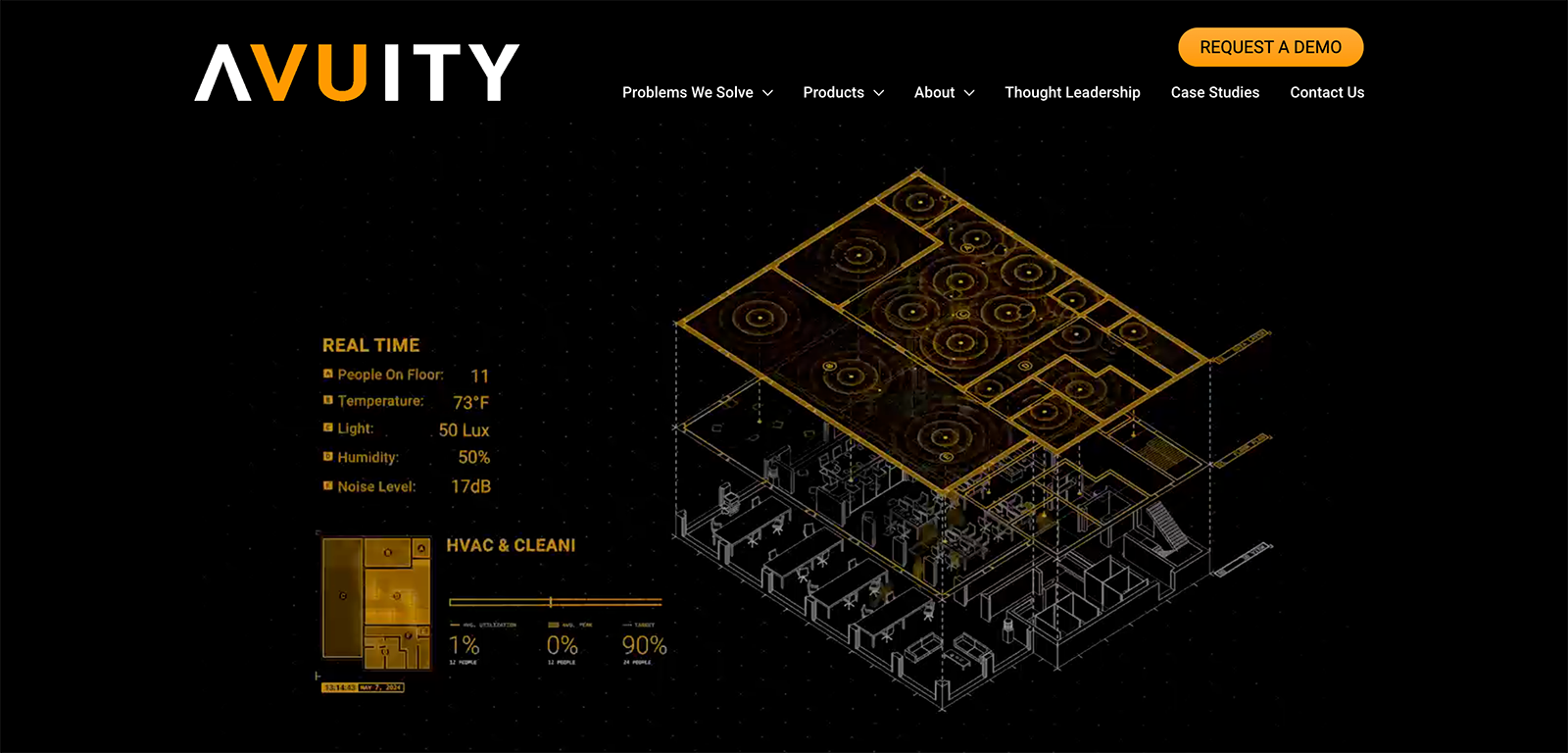
Best For: Teams that want temperature, humidity, light, and noise data from the same sensor that counts people.
Avuity is a space utilization platform that helps corporate real estate teams measure and optimize how their offices are used. Its sensors use AI and machine learning to capture occupancy, accurate headcount, and environmental data without cameras. The platform is primarily used to inform portfolio rightsizing, office layout decisions, and facilities operations like HVAC and cleaning.
Key Occupancy Sensor Features
Advantages
- Sensors use machine learning to improve accuracy over time as more data is collected across deployments
- Sensors capture both occupancy and environmental data including temperature, humidity, light, and noise in a single device
- Offers wireless and wired sensor options along with IR sensors for short-term or incremental studies
Shortcomings
- Primarily focused on room- and zone-level presence, which provides less spatial detail than platforms that capture movement patterns and dwell time
- Integration options are limited or platform-centric, which may restrict how easily data flows into external systems
- No publicly listed SOC 2 or ISO 27001 certification. This may slow procurement at enterprise organizations that require third-party security validation.
Pricing
Custom pricing available upon request.
Density
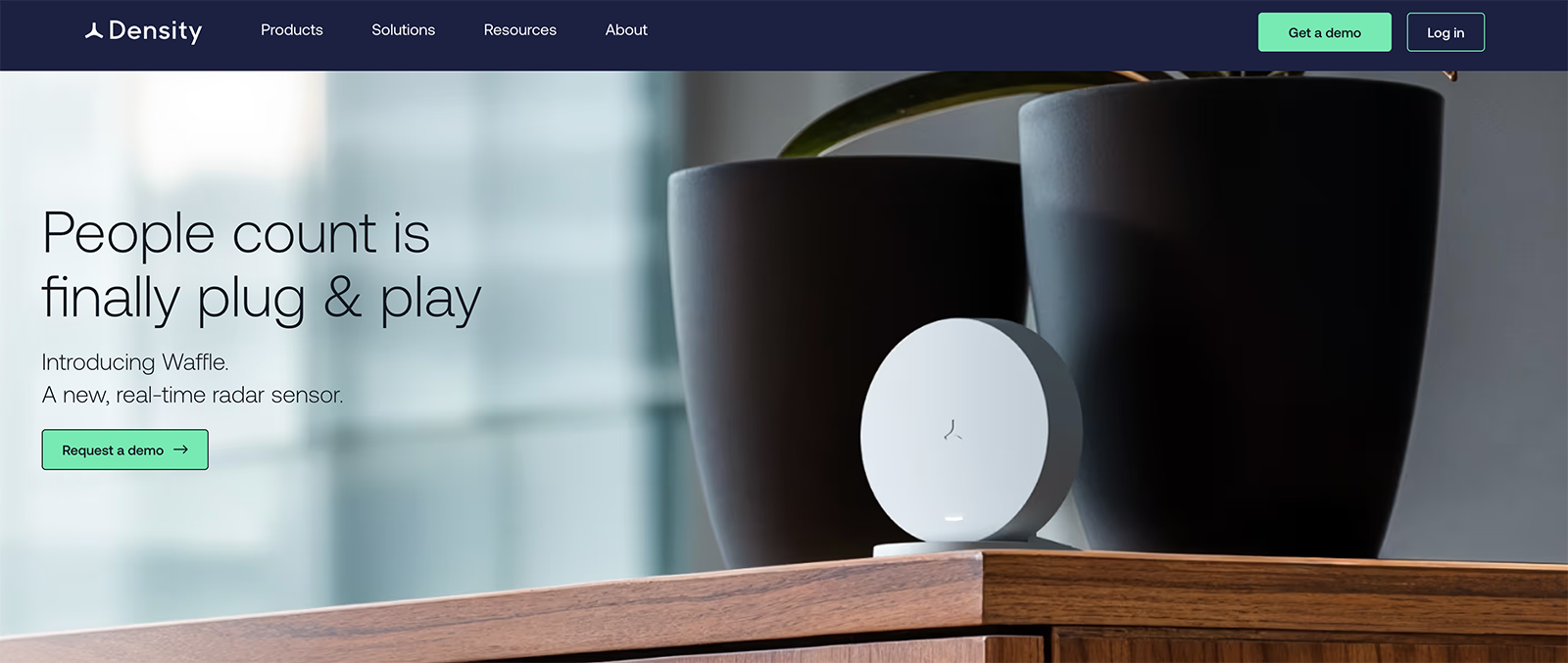
Best For: Teams that want published per-unit pricing and plug-in sensors they can install without a vendor visit.
Density is a people analytics platform that uses depth sensors and radar to measure how physical spaces are used in real time. It offers sensors for open areas, doorways, and smaller spaces like meeting rooms and desks, along with a self-installable radar option. Data feeds into Density's analytics platform for utilization insights, occupancy trends, and capacity planning.
Key Occupancy Sensor Features
Advantages
- Offers a self-installable radar sensor option that reduces setup effort for smaller spaces
- Larger coverage per sensor in open areas reduces total hardware needed
- Offers advisory services including professional site planning and workplace strategy support
Shortcomings
- The open area and entry sensors are wired and require professional installation, which adds time and cost to deployment. For a multi-floor office, expect to coordinate electricians, network cabling, and ceiling access for each sensor location.
- The Waffle sensor reports counts as 0, 1, 2, or 3+ people, so it can't give exact headcounts in larger meeting rooms.
- The analytics platform is the primary interface for data; while an API exists, integrations are not a core focus
Pricing
Sensors start at $149 per unit. Software starts at $8/unit per month for rooms and phone booths and $2.50/unit per month for desks (billed annually).
How Butlr Helps Create a Scalable, Privacy-Safe Occupancy Intelligence Layer for Workplaces
Choosing between these sensor platforms depends on your spaces, your privacy requirements, and where the data needs to go. For enterprise teams that need coverage across a whole portfolio, Butlr brings together the pieces that usually require tradeoffs:
- Privacy by design: Thermal-only sensors can't collect PII, so they can go in restrooms, healthcare facilities, and labs.
- Richer data than PIR: Real-time headcounts, movement, and dwell time at 95% accuracy.
- Quick rollouts: No electrician needed, with battery or wired power options.
- Open data: APIs and webhooks feed workplace platforms, BMS, energy systems, cleaning tools, and BI dashboards.
Learn how Butlr for Offices helps teams right-size portfolios, optimize space, and reduce operating costs.
.png)

%20(1).png)
.png)
.webp)