


.svg)


The 5 Types of Workplace Sensors & How They’re Used
Workplace sensors now span five main categories, and each one includes competing technologies that approach the same problem in different ways. That makes it harder to figure out what your office or building really needs.
There are sensors that measure occupancy, monitor air quality, control lighting, and track energy consumption. Within each of those categories, multiple competing technologies take fundamentally different approaches to solving the same problem.
It doesn't help that many vendors blur the lines between categories or overstate what their hardware can actually do. A product marketed as an "occupancy solution" might only detect motion. Another sold as a "smart building sensor" might measure temperature but tell you nothing about how space is actually being used.
Butlr has installed over 30,000 sensors in over 100 million square feet of buildings across 22+ countries. This guide breaks down the five types of workplace sensors, what each one measures, and how organizations use them.
We spend the most time on occupancy sensors, since that's where technology choices vary the most and matter most for enterprise buyers. At the end, you'll find a matrix that matches common building challenges to the right sensor types.
The Major Categories of Workplace Sensors
Workplace sensors broadly fall into five categories. There's some overlap between them (an occupancy sensor can trigger lighting changes, for example), but each category has a distinct primary function.
1. Occupancy and Space Utilization Sensors
Occupancy sensors answer the question every workplace and real estate team is asking: How is our space being used? They measure whether spaces are occupied, how many people are present, and how usage changes over time, including foot traffic, dwell time, and peak periods, from individual meeting rooms up to entire floors.
That data drives the biggest decisions in enterprise real estate, such as portfolio right-sizing, lease renegotiations, hybrid work planning, and demand-based cleaning and HVAC. Over weeks and months, the same data surfaces trends that shape longer-term strategy.
This is also the category with the widest variation in underlying technology, from basic motion detection to thermal, radar, camera, LiDAR, and Wi-Fi or Bluetooth Low Energy (BLE) sensing. We compare each option in detail below.
Desk and room booking sensors (under-desk presence detection, room panel sensors) are sometimes marketed as a separate category, but they use the same detection technologies covered here.
2. Environmental Sensors
Environmental sensors measure indoor conditions like air quality (CO2, particulate matter, volatile organic compounds), temperature, humidity, and noise. Adoption of indoor air quality sensors has grown steadily since the pandemic. Here's what each measurement tells you:
- CO2 is a standard proxy for ventilation quality and affects how well people think. In a Harvard study, participants scored 101% higher on cognitive tests in well-ventilated conditions than in conventional office conditions.
- Temperature and humidity affect both comfort complaints and HVAC efficiency.
- Noise matters more in open-plan offices, where sound levels affect focus.
- Certification support: WELL and LEED award credits for continuous environmental monitoring, and certified WELL projects can use that sensor data for ongoing reporting.
Unlike occupancy sensors, the sensing technology here is relatively standardized. Most CO2 sensors use non-dispersive infrared (NDIR) detection, so vendor differences come down to calibration accuracy, data platform integration, and form factor.
One thing to watch for is some low-cost devices will report "eCO2," an estimate calculated from VOC readings rather than a direct CO2 measurement. If ventilation decisions depend on the data, confirm the device uses a true NDIR sensor.
3. Lighting Sensors
Lighting sensors measure ambient light for daylight harvesting and detect presence to turn lights on and off automatically. The main benefits are energy savings, occupant comfort, and compliance with building energy codes.
Many lighting control systems use passive infrared (PIR) for presence detection, which is binary: someone is present, or no one is. That's far less detailed than dedicated occupancy sensors that count people or track utilization over time.
Photocells handle daylight sensing and PIR handles presence, so the hardware is standardized. Vendors differ on the control system and integration layer.
4. Energy and Building Performance Sensors
Energy and building performance sensors measure power consumption at the circuit, panel, or device level. They also track HVAC metrics like airflow, duct pressure, and supply/return temperatures, along with water and gas usage.
This data supports demand response programs, helps teams spot waste, and feeds the sustainability and carbon reporting that many organizations now publish.
Occupancy data increasingly drives these systems. Knowing that a floor is 20% occupied at 2 p.m. is what triggers the building management system (BMS) to reduce airflow to unoccupied zones. The occupancy sensor and the HVAC sensor serve different functions but work together to reduce energy waste.
5. Access and Security Sensors
Access and security sensors capture entry and exit events (badge swipes, door open/close) and detect motion in secured zones. They support physical security, compliance, and visitor management.
Radio-frequency identification (RFID), magnetic, and infrared beam-break sensors are standard, so vendors differ mainly on the access control platform.
Badge data is sometimes used as a proxy for occupancy, but it only captures entry and exit events at access points. Let's say 200 people badge into your building on a Monday morning. Badge data tells you 200 entries happened, but it can't tell you that Floor 3 is packed while Floor 7 sits empty, or whether anyone is actually at their desk. That's why organizations that start with badge data often add purpose-built occupancy sensors.
Occupancy Sensors: A Deeper Look at the Technology
Occupancy sensing is where technology decisions get complicated and where they matter most for facility managers, real estate leaders, and workplace strategists.
The wrong choice can mean inaccurate data, a privacy review that stalls deployment, or a system that never scales past a pilot. The right one gives you real-time data that informs everything from cleaning schedules to lease negotiations.
Start with the side-by-side comparison below, then read on for details on each technology.
Passive Infrared Sensors
PIR sensors detect changes in infrared radiation caused by movement. They're the most common office sensor, typically mounted on ceilings or walls, and work well for triggering lights or HVAC. Some organizations pair them with more advanced sensors for a layered approach.
For space utilization, the limitations add up:
- Binary detection only. No headcount, just a yes/no signal.
- Requires motion. A person sitting still at their desk can disappear from the sensor's view.
- Coverage gaps in larger spaces, which lead to false negatives.
- False positives from HVAC airflow. Moving air can trigger detection where no one is present.
Best fit: Basic lighting and HVAC automation in smaller spaces where binary presence/absence is sufficient.
Camera-Based and Computer Vision Sensors
Camera-based sensors use optical cameras and computer vision to detect, count, and sometimes follow people. They deliver high accuracy in large open areas, including headcount, direction of movement, dwell time, queue length, and collaboration patterns.
The main challenge is privacy. Even when vendors process images on-device and never store them, the hardware can still capture identifiable information. That creates a few problems:
- Legal and employee friction: Works councils, legal teams, and employees often push back on camera deployments.
- Restricted zones: Many organizations prohibit cameras in restrooms, prayer rooms, wellness rooms, and healthcare environments.
- Higher cost and complexity: Units cost more and take longer to install than most alternatives.
- Surveillance concerns: Even with privacy safeguards, employees may still feel watched.
Best fit: High-traffic public areas like lobbies and cafeterias where headcount accuracy is critical and privacy sensitivity is lower.
Thermal and Infrared Array Sensors
Thermal sensors detect body heat using an array of thermal sensing elements. They create a low-resolution heat map that can distinguish individual people without capturing images, video, or personally identifiable information (PII).
Key advantages for enterprise deployment:
- Accurate headcount in all lighting conditions, including people sitting still.
- Works in sensitive spaces where cameras can't go, like restrooms, healthcare facilities, and senior living environments.
- Faster approvals. With no PII to manage, legal, IT, and works council reviews move faster.
- Simple installation. Many thermal sensors are wireless and battery-powered, so no electrician is needed.
Best fit: Enterprise portfolios where privacy compliance, scalability, and fast deployment are priorities. Particularly strong for sensitive environments and organizations that need data in weeks, not months.
Butlr's thermal sensors are built for this use case, with wireless, battery-powered hardware that's easy to install across large portfolios and an API-first platform that feeds data into your existing tools. Learn more about Butlr here.
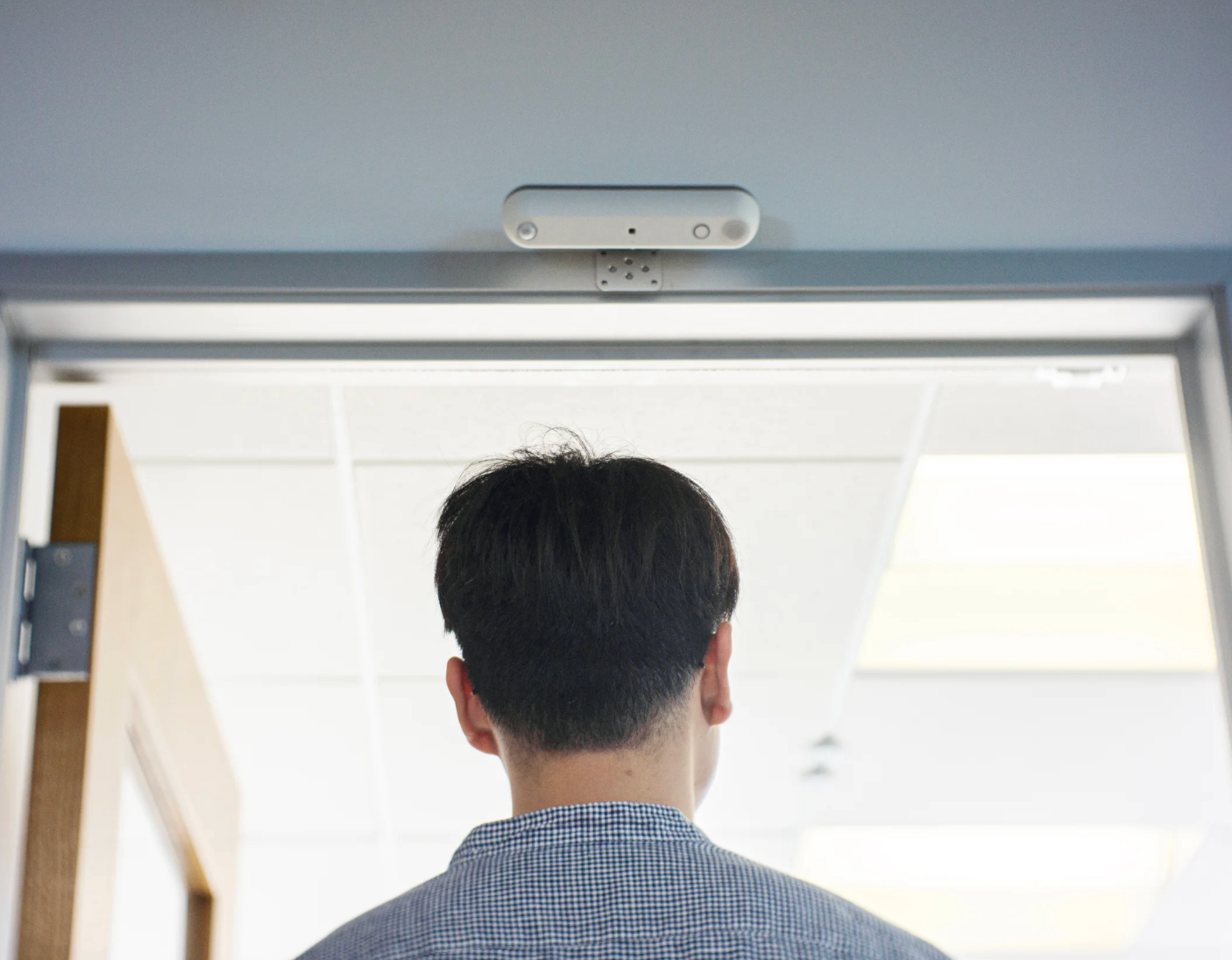
LiDAR Sensors
LiDAR sensors use laser pulses to create 3D point cloud maps, detecting people by their physical shape. They're very accurate for counting and spatial positioning, work in all lighting conditions, and don't capture images.
The downsides are cost and complexity. Units cost significantly more, installation is more involved, and point cloud data can sometimes be detailed enough to infer identity, which creates a privacy gray area. These factors make LiDAR less practical for portfolio-wide deployment.
Best fit: High-value single locations where extremely granular spatial data justifies the cost, such as flagship offices or innovation labs.
Wi-Fi and Bluetooth Tracking
Wi-Fi and BLE tracking detect wireless signals from personal devices to estimate occupancy and location. The appeal is that they use existing network infrastructure and can cover large areas without additional hardware.
The limitations add up quickly:
- Inconsistent device counts. Not all occupants carry detectable devices, and some carry multiple. Modern phones also randomize their device (MAC) addresses by default, which makes consistent counting unreliable.
- Privacy concerns. Detecting personal devices raises issues under regulations like the General Data Protection Regulation (GDPR).
- Low location precision. Estimates typically vary by 5 to 10 meters.
- Blind spots. These systems can't detect occupancy in spaces where people don't bring devices.
Best fit: A rough directional view of space usage at the zone or floor level, using existing infrastructure. Not suitable for precise headcount or room-level analysis.
Matching Sensors to The Challenges of Your Workplace
The matrix below maps common enterprise scenarios to the sensors best suited to address them.
Building Out Your Workplace Sensor Setup
As the matrix shows, most enterprise scenarios need occupancy data as a primary input, often supplemented by environmental or energy sensors. That makes your occupancy technology the most important choice. Accurate data leads to smarter real estate decisions and operational savings. Unreliable data can mean months of legal review or a system that never scales beyond a pilot.
To narrow your options:
- List the specific building challenges you need to solve.
- Use the matrix above to match each one to a sensor type and technology.
- Evaluate vendors on privacy review requirements, deployment speed, platform integration, and total cost of ownership.
For organizations evaluating occupancy sensors for enterprise portfolios, Butlr's privacy-first thermal sensors and API-first platform are designed for fast deployment at scale. Request a demo to see how it fits your building strategy.
.png)

%20(1).png)
.png)
.webp)