


.svg)


10 Best Occupancy Planning Software for Workplaces in 2026
Occupancy planning software replaces fixed sharing ratios with demand forecasts that adjust as attendance shifts by day, team, and policy. The tools estimate how much space each team and building needs from headcount growth, hybrid policy, and measured usage. They also let you test scenarios, like a new attendance policy or an upcoming lease exit, before you commit.
Some teams have strong scenario tools but a demand baseline nobody trusts. Others have reliable usage data and no way to model a policy change across 30 buildings. A portfolio with three lease expirations in the next 18 months also needs supply-side data that many workplace platforms don’t have.
This guide compares 10 occupancy planning tools by the demand inputs they use, how they forecast and model scenarios, where their occupancy data comes from, and which planning decisions each one fits.
10 Occupancy Planning Tools at a Glance
The table below compares the 10 tools on planning approach, occupancy data source, and the teams they suit best.
Butlr
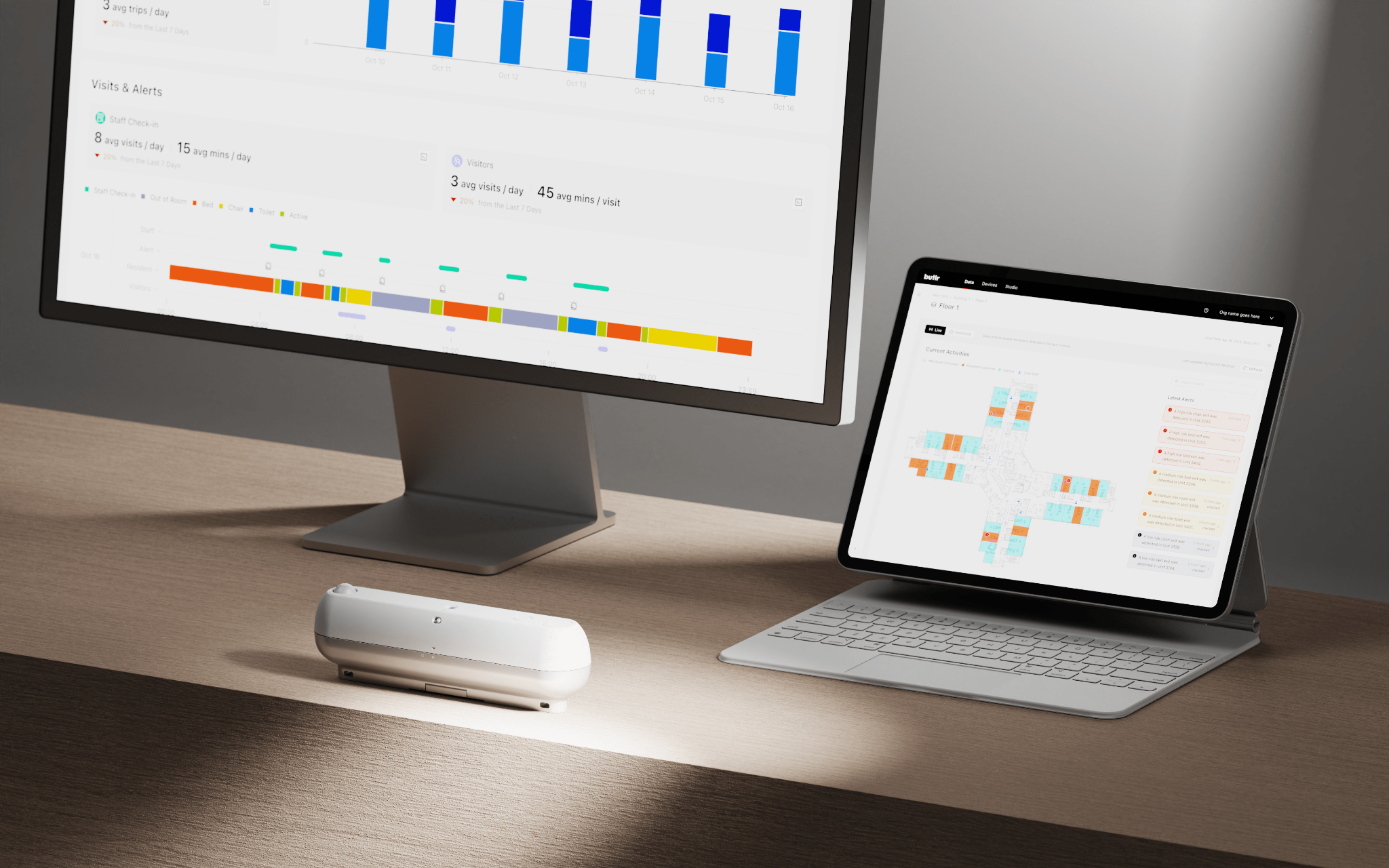
Butlr is an occupancy sensing platform built on thermal sensors that read body heat as anonymous temperature data. The sensors capture no images and no personally identifiable information (PII), and the platform is SOC 2 Type II compliant. Teams use Butlr in offices, labs, classrooms, and restrooms across more than 20 countries.
Butlr supplies the measured occupancy data that planning tools rely on. Demand forecasts and space allocation scenarios happen in the planning, workplace, and analytics platforms your team already uses.
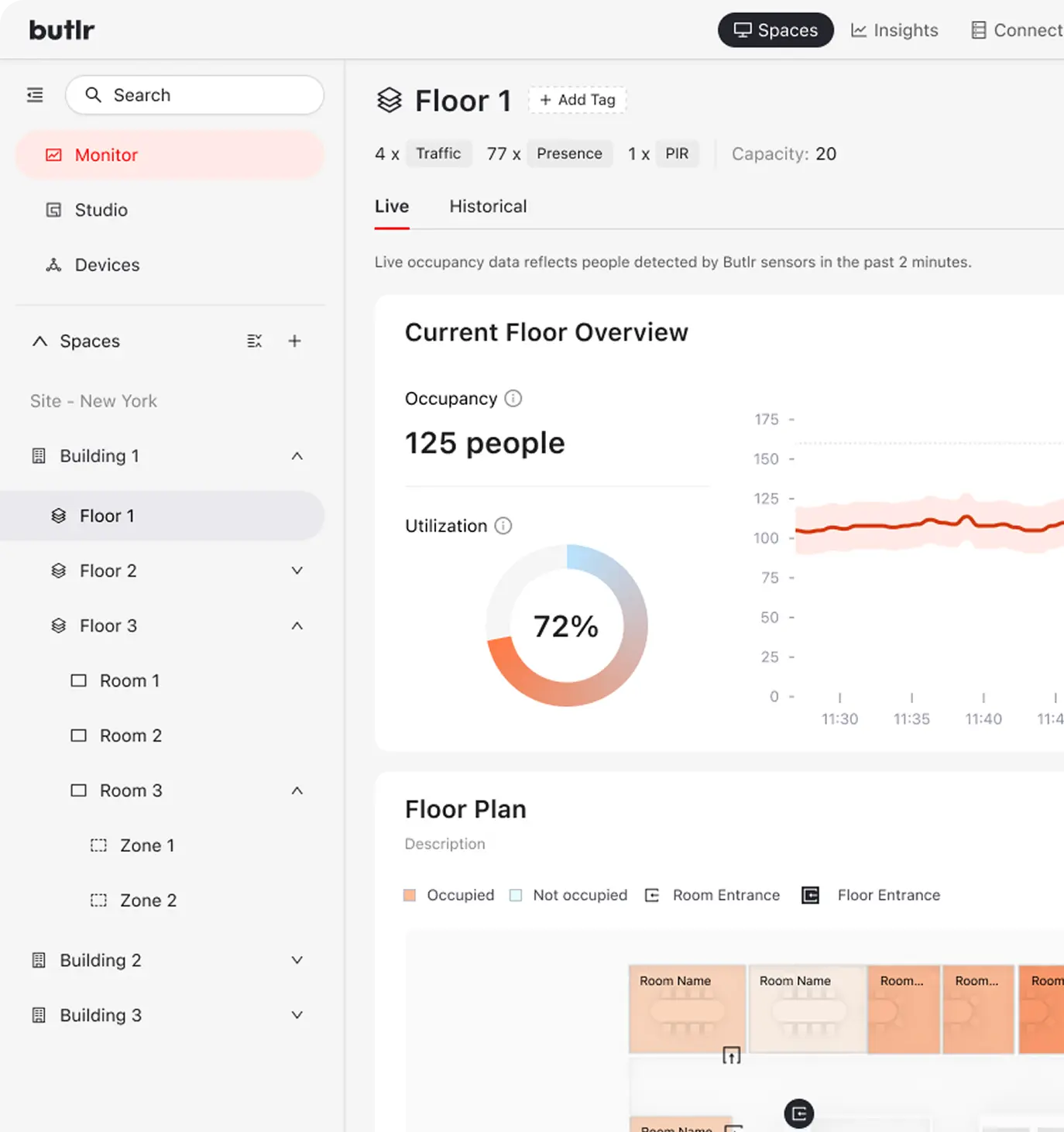
How Butlr Supports Occupancy Planning
- Fast wireless deployment. Butlr's wireless, battery-powered sensors install in minutes without an electrician, and their batteries last for years. You can deploy hundreds overnight, and data is usually ready to use within three to five weeks of ordering, so you'll have occupancy numbers in hand ahead of a lease event or budget deadline.
- Anonymous thermal sensing. Because the sensors read only temperature, the data can move through legal, IT, and works council review without a long approval cycle. Booking records show who planned to come in, and badge data shows who entered the building. Butlr measures how many people use each room, zone, or desk throughout the day.
- Two modes, one sensor. Presence mode counts people within a room, zone, or desk area, while traffic mode counts entries and exits to estimate floor or building occupancy.
- Historical and portfolio reporting. Historical dashboards and portfolio-level reports show how those counts change over time across rooms, floors, buildings, and sites. Teams use the trends to set sharing ratios and plan consolidations.
- API-first integrations. Butlr pushes data to integrated workplace management systems (IWMS), building management systems (BMS), and business intelligence (BI) tools through REST application programming interfaces (APIs) and webhooks.
Best for: Enterprise and mid-market teams that need a measured occupancy baseline for their plans, especially across multi-building portfolios or where privacy requirements rule out cameras and Wi-Fi-based methods.
Notable Customers: Qualcomm, Snowflake, Georgia-Pacific
Planning on assumptions? Learn more about Butlr and how its occupancy data feeds the planning tools you already use.
HubStar
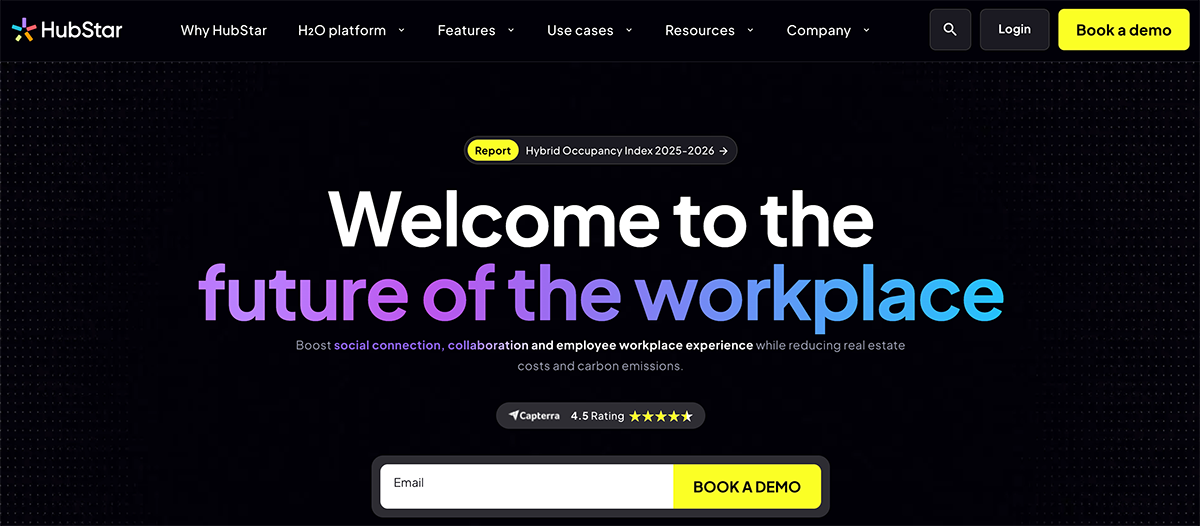
HubStar is a hybrid workplace management platform that combines desk booking, space data management, and utilization analytics in one system. Its occupancy planning tools model demand from workforce and policy data.
How HubStar Supports Occupancy Planning
- Continuous demand model. HubStar builds space demand from workforce, organizational, and hybrid policy data in place of yearly headcount forecasts from each business unit. It imports org structure and hybrid schedules from human resources information systems (HRIS) like Workday and keeps its records of spaces, people, business units, and policies in sync. When a reorg or new attendance policy changes the inputs, the demand model updates, so planners don't have to rebuild the plan from scratch.
- Supply and demand view. Planners see expected demand, allocated office space, and measured attendance in one view, from a full campus down to a single team.
- Scenario modeling. Planners can model a hybrid policy change, business unit growth, new sharing ratio, lease event, or space reduction and compare the results side by side. Once a plan is approved, HubStar updates the floor plan, neighborhoods, and seat assignments in its booking app, which employees can also use in Microsoft Outlook and Teams.
- Multi-source utilization analytics. HubStar combines Wi-Fi, sensor, badge, and booking data into one dataset, removes double counts between sources, and adds analytics that predict demand and recommend changes. For more detail, you can add HubStar's own presence sensors or third-party sensors from vendors like Butlr.
Best for: Enterprise corporate real estate (CRE) teams that want occupancy planning as a dedicated, continuously updated function rather than an annual exercise.
Notable Customers: ABN AMRO, Boston Scientific, Intuit
Serraview
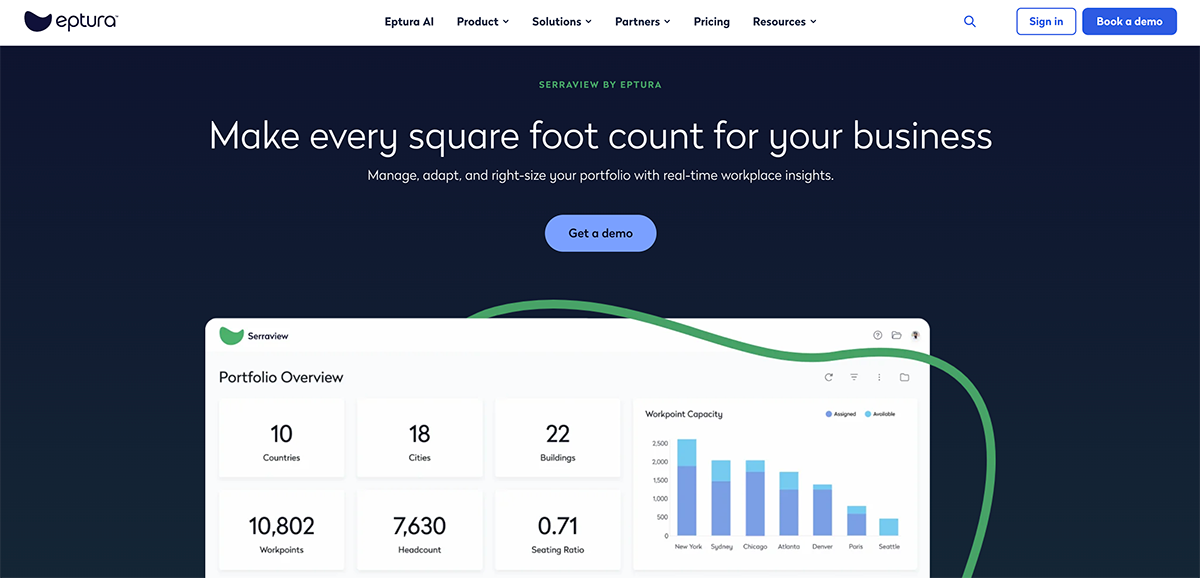
Serraview is Eptura's portfolio and real estate management software, designed for right-sizing. It pairs scenario modeling across an entire portfolio with live occupancy data, so your team can find underused sites and plan consolidations in one system.
How Serraview Supports Occupancy Planning
- Portfolio forecasting and scenarios. Planners get an interactive view of the whole portfolio, where they can forecast space needs and compare consolidation or reallocation options across buildings before they commit.
- Live occupancy data. To measure occupancy, the platform uses Wi-Fi presence, occupancy sensors, and badge data where it's configured. It can run on Wi-Fi alone, but desk-level occupancy data may require sensors from supported vendors. Live status shows whether each desk and room is available, reserved, or occupied in real time.
- Utilization analytics. Its reports show peak hours, underused areas, and space utilization trends you can use to size consolidations.
- Workplace integrations. Eptura Engage, the company's desk and room booking app, connects directly to Serraview. When a team moves in Serraview, its Engage user groups update automatically. Serraview also integrates with Microsoft 365, Power BI, and Tableau.
Best for: Global enterprises right-sizing large portfolios that want occupancy planning connected to Eptura's broader workplace suite.
Notable Customers: BMO, AMD, Comcast
Tango
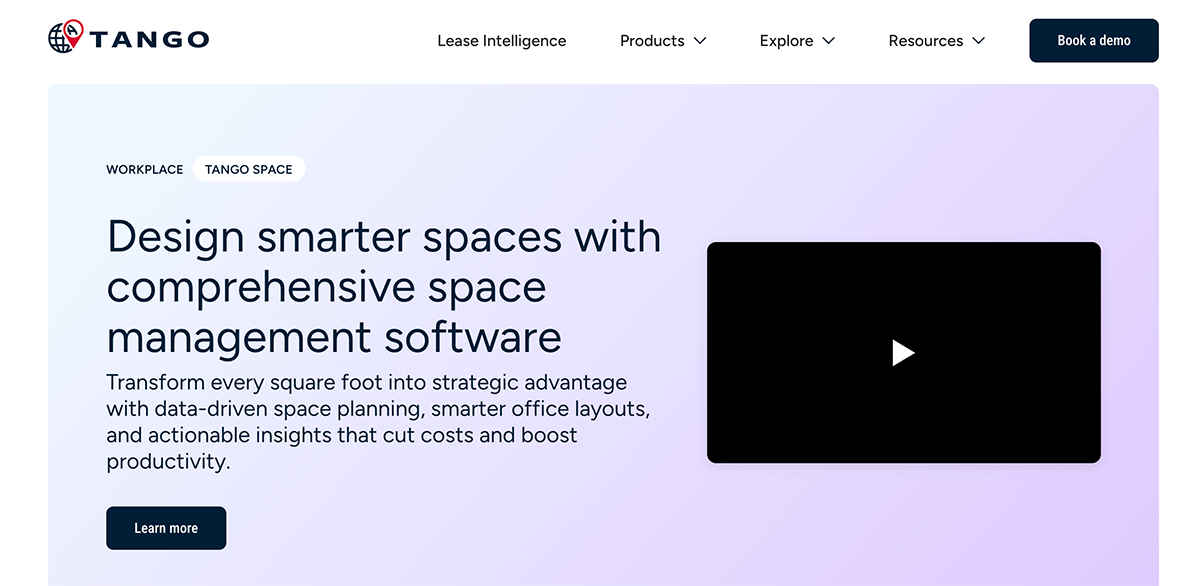
Tango is an enterprise real estate software suite that covers leases, space, and occupancy in one system. It measures utilization from your existing network and displays it next to each location's lease terms, so your team can weigh a renewal against how heavily that location is used.
How Tango Supports Occupancy Planning
- Hybrid policy scenarios. Planners can model different hybrid work policies and see the predicted effect on both occupancy and cost. Tango uses AI to forecast space demand from historical and live occupancy patterns, so those scenarios start from measured usage.
- Flex ratio calibration. When demand changes, planners can adjust the flex ratio, or the number of employees per shared desk, using team-level occupancy data.
- Lease and utilization pairing. Tango also manages lease data, including critical dates, financial obligations, and options. Paired with occupancy data, its lease tools flag underused spaces for review before renewal and option decisions, such as whether to renew, renegotiate, or exit.
- Network-based occupancy. Occupancy data comes from the Wi-Fi and Ethernet networks your organization already runs, so it doesn't require dedicated sensors. Tango anonymizes the data and counts each person once, even when they connect several devices. You can add badge data or internet of things (IoT) sensors for more detail.
Best for: Enterprises that want occupancy forecasts tied directly to lease decisions within one real estate suite.
Notable Customers: Swiss Re, Biogen, Liberty Mutual
Gable
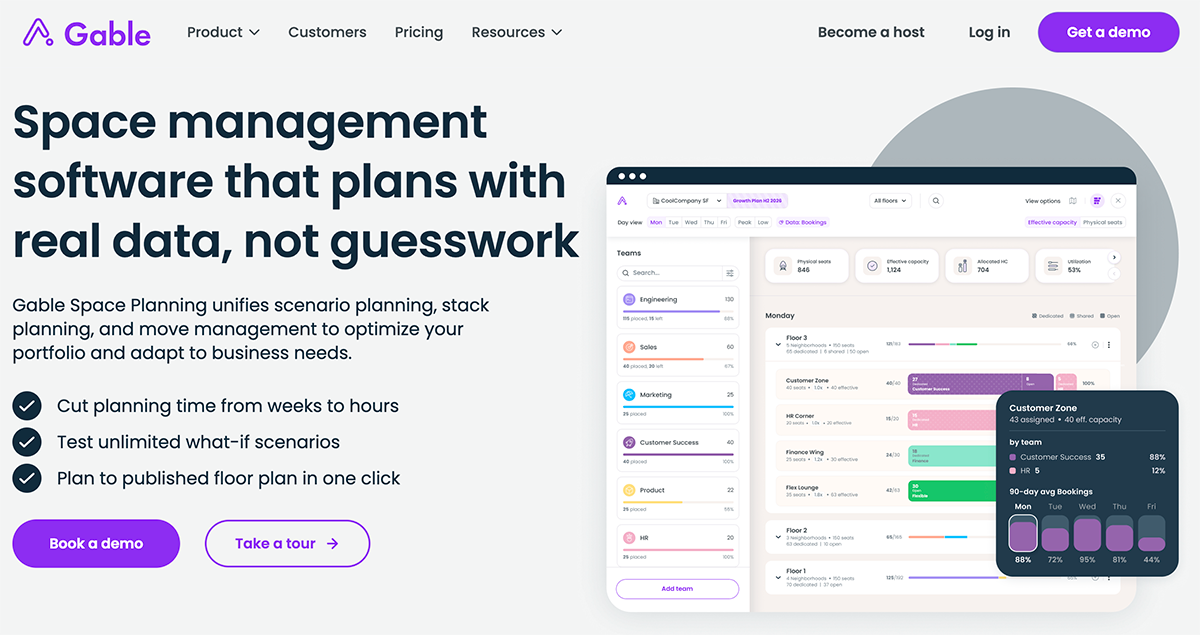
Gable is a space management software platform that combines desk and room booking with space planning. Its planning tools run on the same booking and attendance data, so your team can size space by weekday instead of by total headcount.
How Gable Supports Occupancy Planning
- Effective capacity by weekday. Gable calculates capacity from each zone's seats and its sharing ratio, or how many people share each desk. A zone where people share desks can support more employees over a week than one with assigned seats. Planners then compare that capacity with headcount and booking demand for each weekday, including the busiest days.
- HRIS-synced headcount. Headcount and org structure sync from HRIS platforms like Workday, Rippling, and BambooHR, so reorgs and new hires appear in the plan quickly. Before assigning a team to a neighborhood, planners can check that area's 90-day booking average by day of week.
- Draft scenarios. Planners test growth, consolidation, or a hybrid policy change in draft scenarios without touching the live plan, then publish the chosen plan to the booking app employees already use in one step.
- Attendance and policy analytics. Gable checks those plans against bookings, check-ins, and badge data. Badge integrations with Verkada and Brivo compare who booked a desk with who entered the building, and a Cisco Meraki integration handles automatic check-ins over Wi-Fi. Reports also track hybrid policy compliance by department.
Best for: Hybrid companies whose space needs swing by day of the week and that want planning and booking in one app.
Notable Customers: New Relic, Fivetran, Upwork
Spacewell
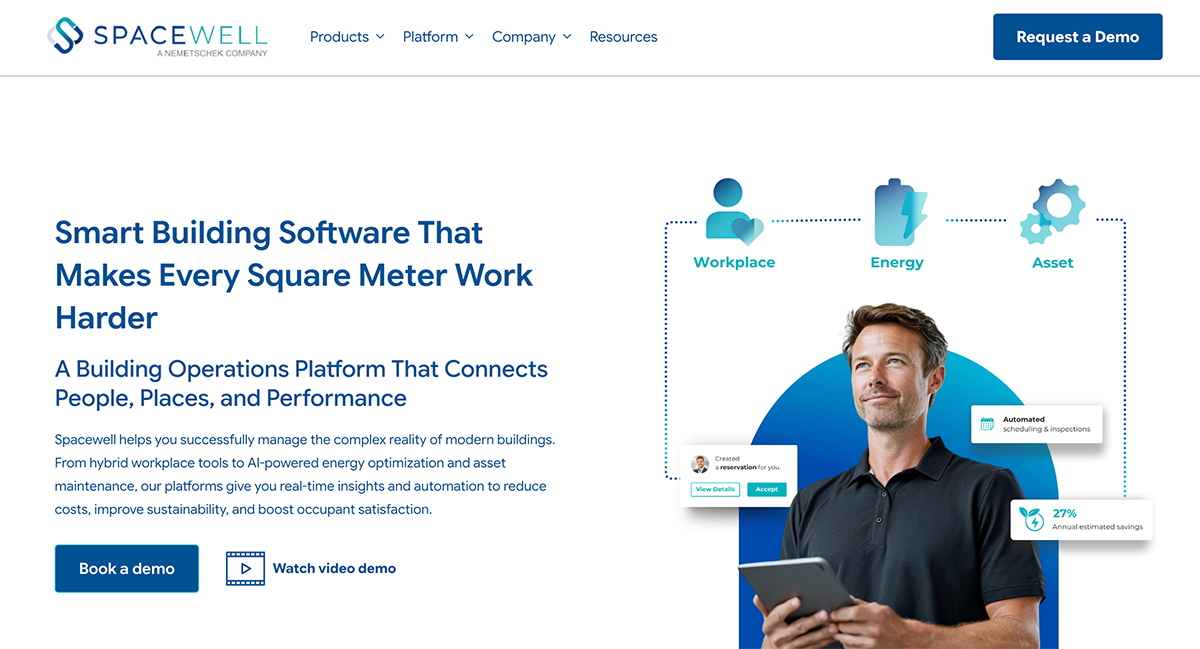
Spacewell is a building operations platform that covers workplace management, energy, and maintenance. Its workplace tools pair sensor hardware with space simulations, so your team can measure occupancy and test capacity changes with one vendor.
How Spacewell Supports Occupancy Planning
- Space simulations and benchmarking. Before making physical changes, planners can use Spacewell's space planning software to test different workplace configurations. The simulations show how many more employees a space could hold, so your team can plan for growth without adding real estate. Benchmarking across locations points to underused areas and consolidation opportunities.
- Native sensors and reservation analysis. Occupancy readings come from Spacewell's own motion sensors and people counters, which connect over LoRaWAN, a long-range wireless protocol. You can analyze reservation trends next to measured occupancy, and the system can release reserved spaces that go unused.
- Open integrations. Spacewell connects to human resources (HR) systems like Workday and SuccessFactors, computer-aided design (CAD) tools like AutoCAD and Revit, and BMS platforms through prebuilt connectors. Custom connections run through its APIs and webhooks.
Best for: Mid-sized to large organizations, particularly in Europe, that want sensors, simulation, and workplace management from one vendor.
Notable Customers: Ørsted, Booking.com, Merck
OfficeRnD Workplace
OfficeRnD Workplace is a hybrid workplace management platform for desk booking, office-day policies, and attendance analytics. As a lighter option than the enterprise suites on this list, it helps smaller organizations get started quickly.
How OfficeRnD Workplace Supports Occupancy Planning
- Team office-day policies. Admins set office-day policies by team, including which days people should come in and how often. These rules shape demand, and policy compliance dashboards show how closely each team follows them. Planners can then compare expected attendance with recorded presence before they adjust space.
- Utilization dashboards. Booking and check-in data feed dashboards that show occupancy rates and peak usage times by day, week, and month. Desk use also breaks down by neighborhood, or a zone of desks reserved for a team, so planners can see whether each team's area fits how often it's used. Admins can set capacity limits for each location and floor.
- Check-ins and presence data. OfficeRnD records presence through check-ins from the web, the mobile app, Slack, Microsoft Teams, or QR codes at desks and rooms. Higher-tier plans add automatic check-ins over office Wi-Fi and badge data from Brivo door access.
Best for: Mid-market hybrid companies that want attendance and policy data to guide desk planning without an enterprise implementation.
Notable Customers: Novartis, Xerox, Piedmont Lithium
Planon

Planon is an IWMS that covers real estate, space, maintenance, and lease accounting in one platform. Its occupancy planning runs inside that system of record, next to the lease, cost, and asset data that plans depend on.
How Planon Supports Occupancy Planning
- Space inventory and strategic planning. The space management module records where each space is, who occupies it, how it's used, and what it costs. Space strategists use that inventory to forecast future needs and model options for expanding, adjusting, or contracting the portfolio. Lease timelines and location costs come from the same platform, so planners can weigh space needs against contract terms.
- Sensor-based utilization. Desk and room bookings supply part of the utilization data, and sensor partners like PointGrab, bGrid, and Disruptive Technologies supply the rest. Planon's quick-start desk package uses Disruptive Technologies sensors, which detect presence through temperature changes, and can be running within days. Reports cover active and passive occupancy, busiest times, and historical trends.
- Approval workflows and deployment. Move and space requests route automatically for approval, and role-based permissions control who can view data or change workflows. Organizations can roll out Planon one domain at a time or deploy the full IWMS at once. It also connects to SAP and other enterprise resource planning (ERP) systems for property financial data.
Best for: Enterprises that want occupancy planning inside a full IWMS with lease, cost, and asset data in the same system.
Notable Customers: Radboud University, HERE Technologies, Bayer
Cisco Spaces
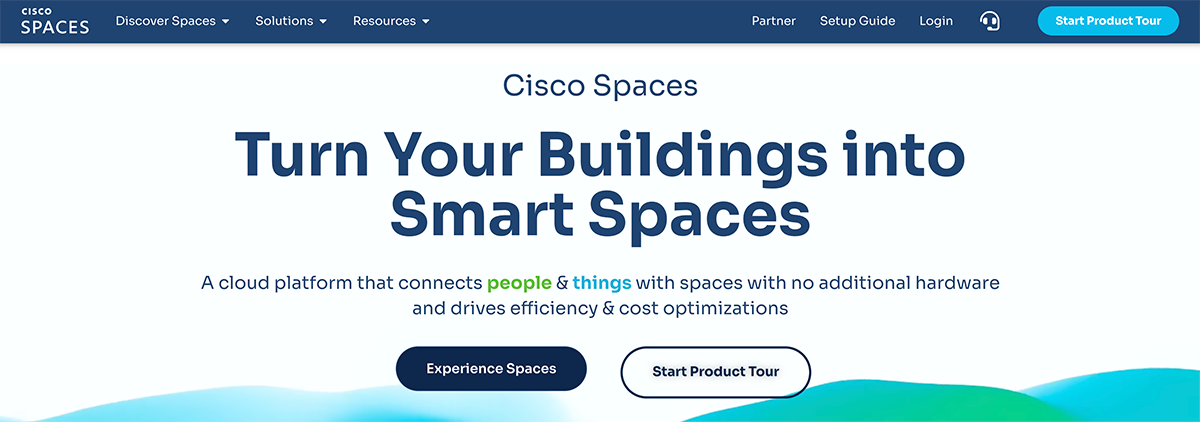
Cisco Spaces is a cloud platform for indoor location and IoT services. It turns existing Cisco network and collaboration hardware into occupancy sensors, then passes that data to partner apps and planning platforms that handle forecasting and scenario planning.
How Cisco Spaces Supports Occupancy Planning
- Network and room-level occupancy. Building- and floor-level counts come from Cisco Catalyst and Meraki Wi-Fi networks. Cisco Spaces counts connected devices and can include nearby devices searching for a network, as long as their signal clears a set strength threshold. Webex devices and third-party IoT sensors add room-level occupancy and people counts.
- Historical reporting and exports. Reports show occupancy percentage, peak utilization, busiest days and times, and time spent in each room or zone. Each chart compares current occupancy with a 51-week historical average, and room people counts export in 15-, 30-, or 60-minute intervals. Your team can use the data to find underused floors and rooms ahead of a consolidation or reallocation.
- Planning through partners. Forecasting and scenario modeling happen in partner apps like IBM TRIRIGA Building Insights, which receive location data through Cisco Spaces APIs. Within Cisco Spaces, admins can adjust desk assignments as teams change.
Best for: Organizations already running Cisco network infrastructure that want building-level occupancy estimates without deploying new hardware.
Notable Customers: Ahold Delhaize, San Jose State University, UMC Utrecht
CoStar Real Estate Manager
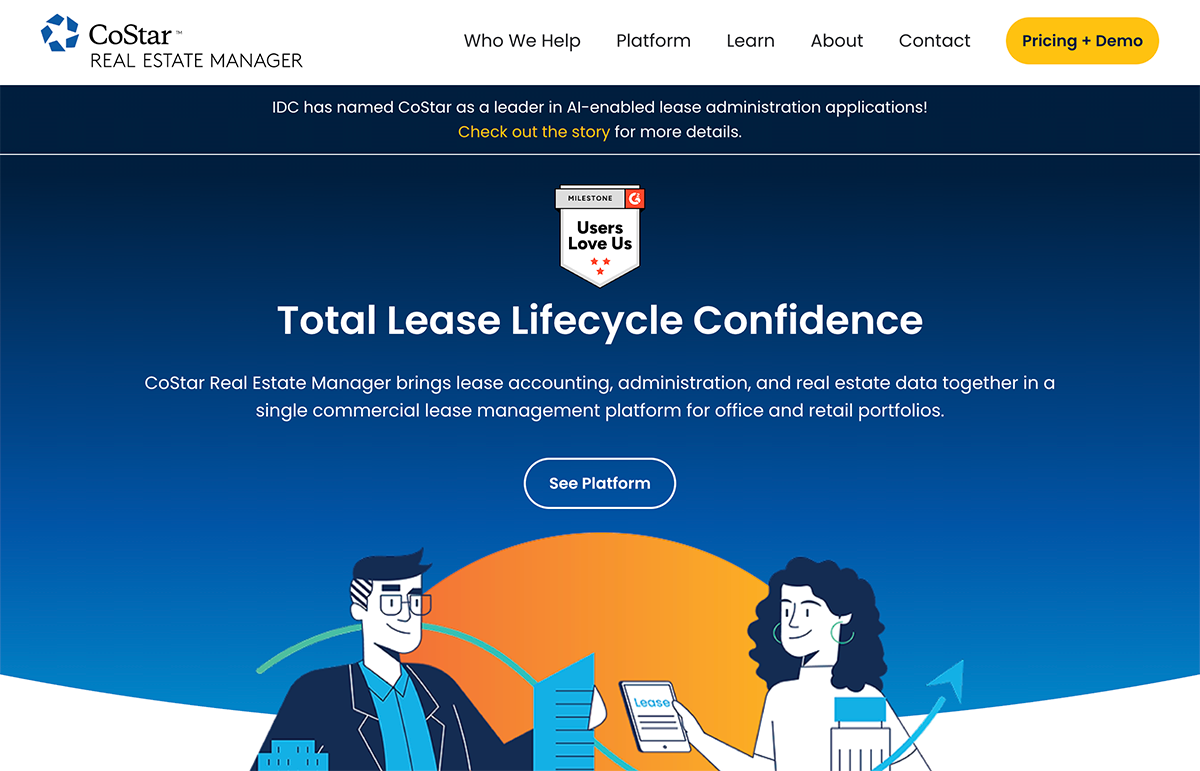
CoStar Real Estate Manager is lease administration and lease accounting software for office and retail tenant portfolios. It also includes CoStar's commercial property market data, so you can compare your own leases against local rates and availability.
How CoStar Real Estate Manager Supports Occupancy Planning
- Critical date tracking. Occupancy planning matches space demand against supply, and lease data defines the supply side. CoStar Real Estate Manager tracks critical dates, renewal and termination options, and recurring costs across the portfolio, so planners know when each commitment ends and what it costs to keep. Teams can also start a renewal or termination project from any critical date.
- Portfolio planning analysis. Its portfolio planning tools help your team analyze current leases, evaluate alternatives, and decide which locations to act on first. Vacancy projections and peer comparisons add context when you weigh a renewal against a move.
- Integrated market data. Integrated CoStar data covers more than 6 million properties. You can benchmark a lease proposal against area rates, search expiring leases and off-market listings, and set alerts when space opens up.
- Occupancy and headcount reporting. For measured usage, pair CoStar Real Estate Manager with an occupancy data source or planning platform. Its reports cover occupancy and cost trends, and it can import current and projected headcount from HR systems like PeopleSoft. One staffing firm, for example, reviews utilization by location next to critical dates to decide whether to terminate, downsize, or extend each lease.
Best for: CRE teams whose occupancy plans are driven by lease events and who need cost and expiration data next to their demand forecasts.
Notable Customers: The Hertz Corporation, Allegion, Veritiv
Which Occupancy Planning Tools Fit Your Decision
Use the table below to match each planning decision with the data it needs and the tools to shortlist.
Over one planning cycle, your team might reset sharing ratios after a policy change and then size a consolidation ahead of a lease expiration. Each decision draws on the same occupancy numbers, so a shortlist often pairs a planning platform with a separate source of measured occupancy data.
If your current plan rests on numbers your leadership team doesn't trust, let's talk about adding a measured baseline to the tools you already use.

.webp)