Download “Beyond Occupancy: The State of Office Space 2026” Report
Modular and container data centers

Commission faster. Prove cooling on site.

Container data centers are racing to hit T+9, site power to IT-ready in nine months. Butlr gives every module a live thermal view from the day it arrives, so you can check the power path after shipping and validate cooling in the real climate, not just the CFD model.

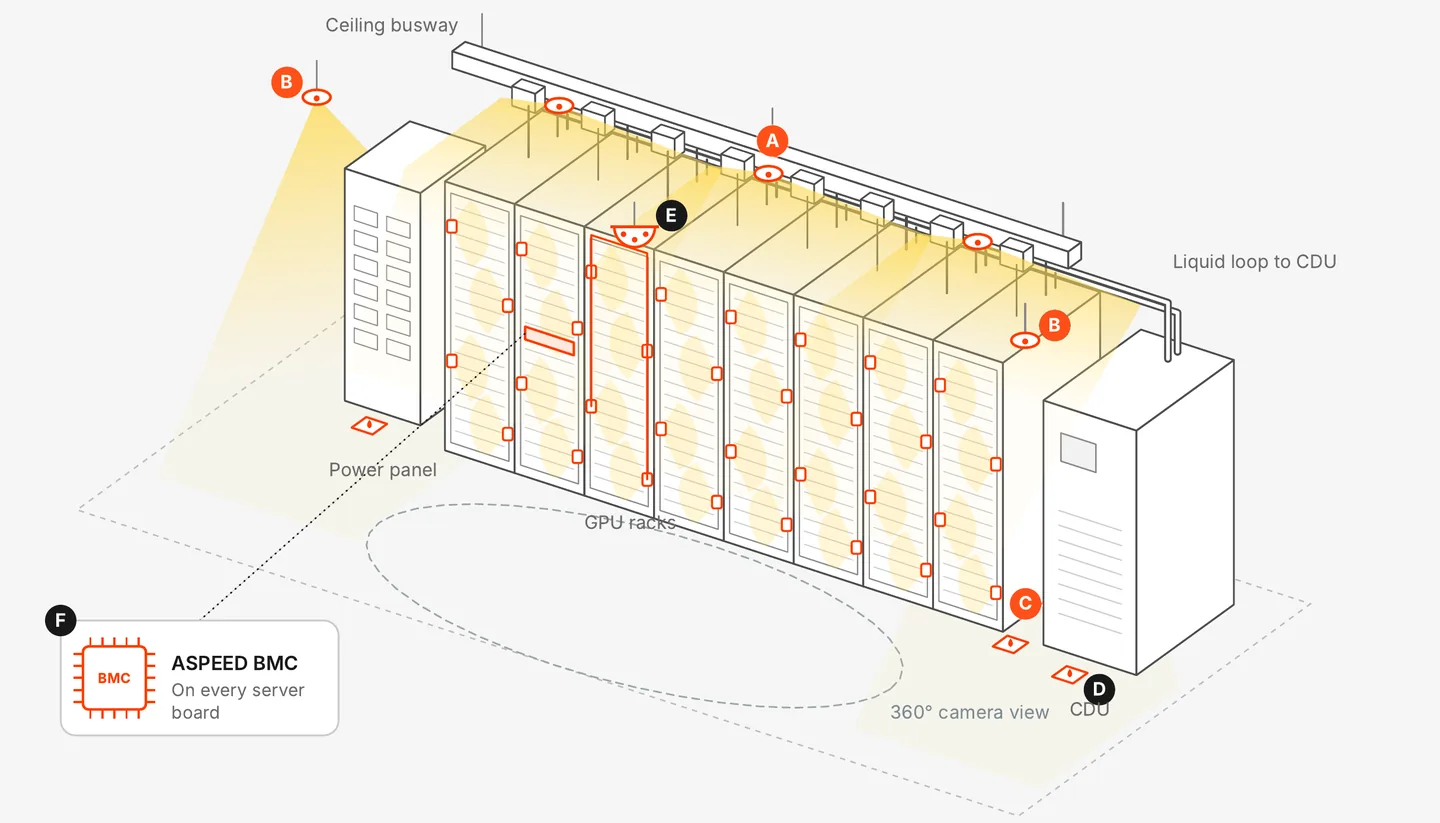
Illustrative compute pod: a row of GPU racks under a ceiling busway, with a power panel on the left and a CDU on the right. Lettered markers show where each Butlr and partner sensor sits.
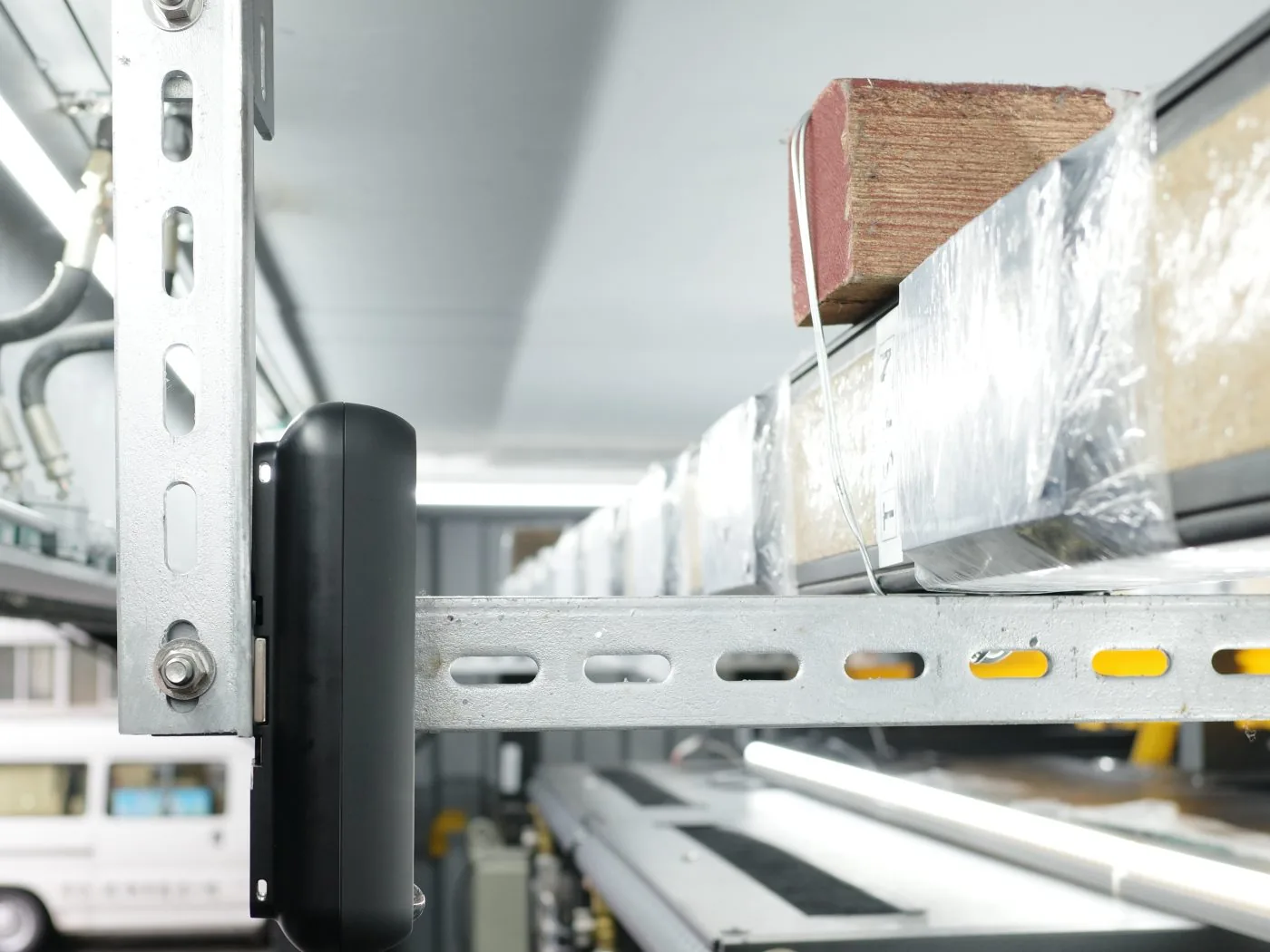
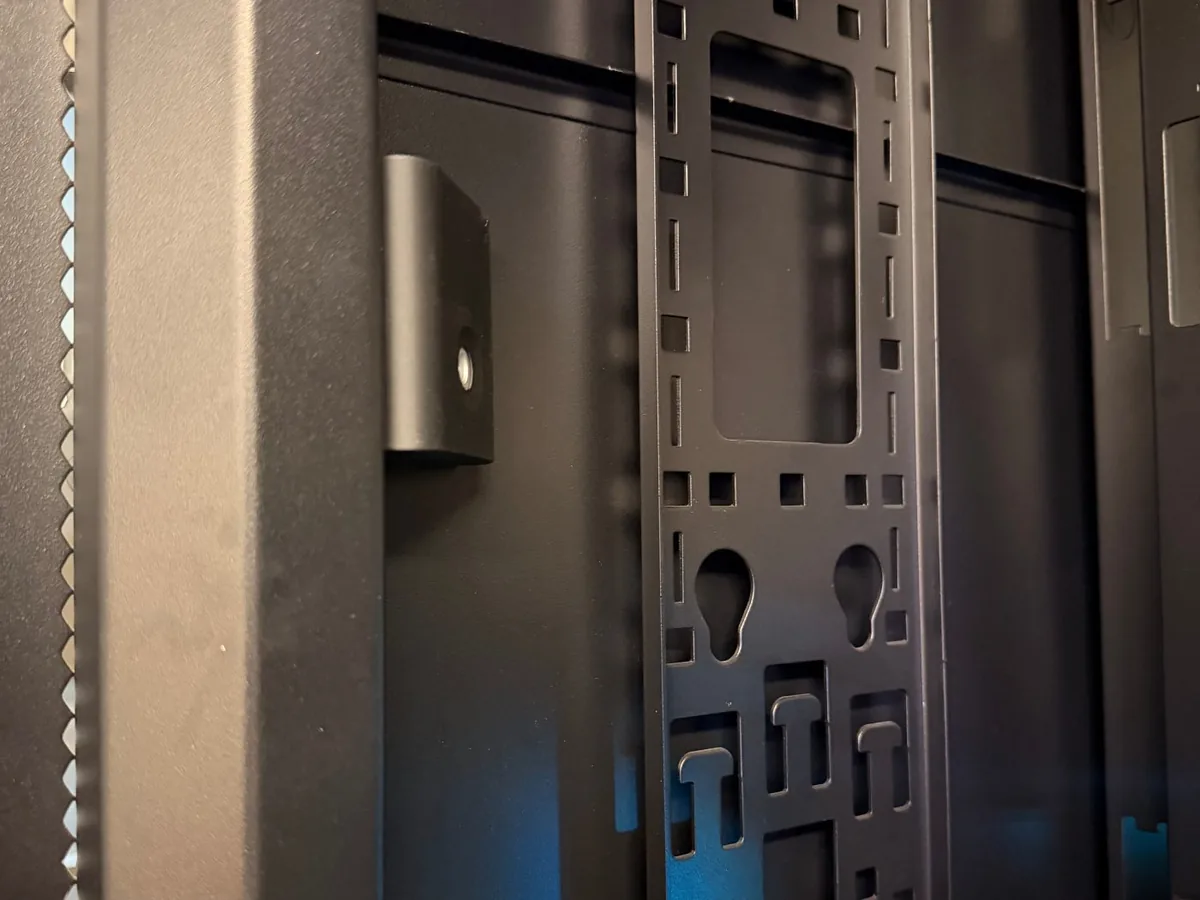
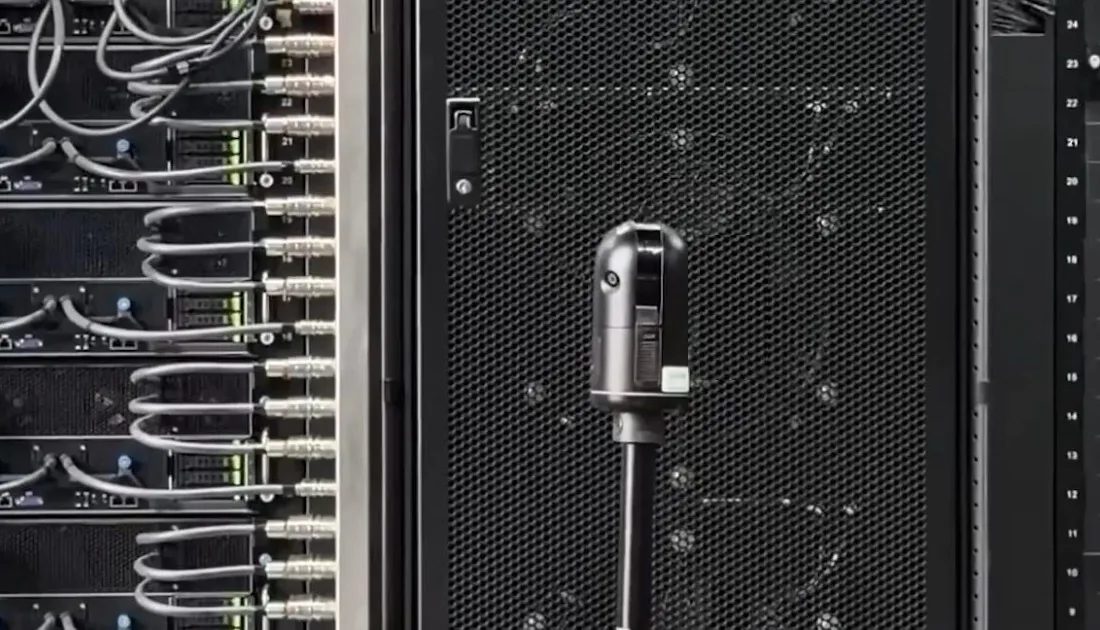
Illustrative compute pod layout, not to scale. Butlr Heatic sensors cover the busway, power panel, CDU and rack faces, alongside partner sensors such as ASPEED BMC and Cupola360.

Two problems every module ships with

Speed is the point of a modular build. These are the two places it gets lost.

01 · On delivery

Power path inspection

Shipping shakes connectors loose. It's why most ODMs still ship the container and the racks separately. Today, finding the loose ones means a technician with a thermal gun, one connection at a time.

  • Every busway tap-off, whip and PDU checked under load, automatically
  • No manual sweep, no missed connection, no human error
  • A record of how every connection ran at commissioning
02 · On site

Cooling performance validation

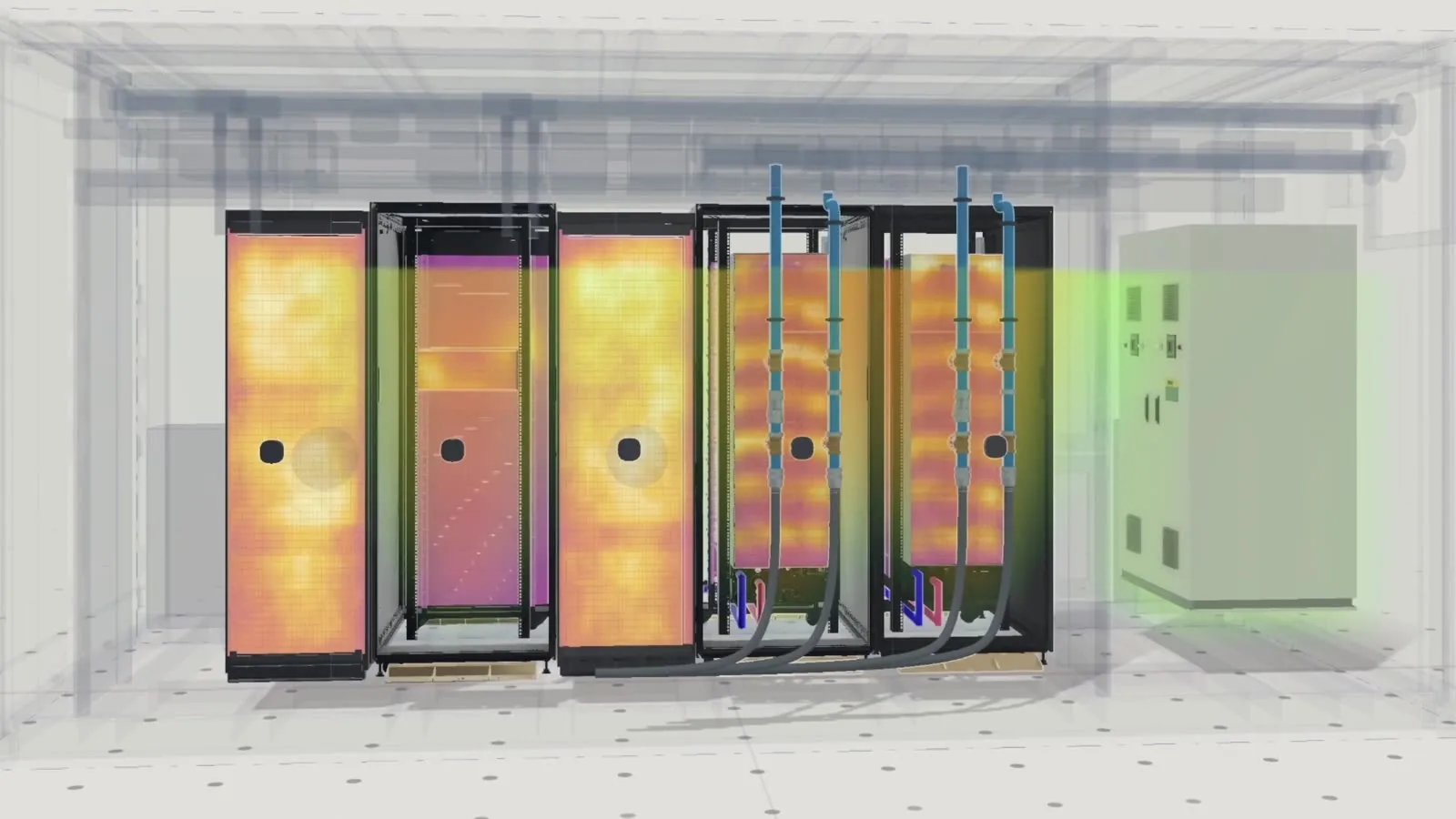
A module designed in one climate gets deployed in another. Tropical and equatorial sites are hard to simulate, and a CFD model can't tell you how the module is actually running.

  • Live thermal data compared against the CFD design
  • Hot zones flagged before GPUs start to throttle
  • Cooling set to real demand, not the worst case
Proof point

Built into Kentec's AI compute containers

Kentec, a Kenmec Group company delivering infrastructure and liquid cooling for AI data centers, builds Butlr thermal sensing directly into its AI compute containers. Its modules see heat from day one, for both use cases above.

Read the Kentec story
“Kentec’s AI compute containers that see heat from day one, along with Butlr thermal sensing technology, provide a real-time view of every zone to ensure cooling aligns with demand while also accelerating commissioning.”
Shawn Huang, Marketing VP, Kentec

What Butlr looks like inside a containerized AI module

One sensor layout covers the cooling loop, the power path and the racks themselves.

Protect the asset that drives the P&L

Server depreciation is roughly two-thirds of the cost of running AI compute. Every year of useful life you add to a GPU fleet changes the math.

5 → 6+ yrs
of GPU useful life that continuous thermal monitoring can help support
~2 wks
modelled time saved on commissioning, when every week of delay defers revenue
~1.4 mo
modelled payback per 1 MW container module

Modelled estimates and industry framing, not guarantees. The line-item model is available under NDA.

Plan it once. Repeat it everywhere.

  1. 1

    Design the layout

    We map sensor placement to your module design: busway and whips, power panel, cooling loop and racks.

  2. 2

    Build it into the module

    Wireless sensors in the white space, wired PoE in the racks, so the module ships ready to report. [CONFIRM: integration at the factory, on site, or both]

  3. 3

    See the whole fleet

    Every module shows up in the Butlr Platform the same way, with alerts routed to your existing tools.

Built with partners

Building modules? Let's design the sensor layout together.

Bring your module spec and target site. We'll show you commissioning checks, cooling validation and the payback model.

Request a demo
How can we help?*
Which solution?*
First name*
Last name*
Business email*
Company
Job title
Country/Region*
State*
Province/Territory*
How did you hear about us?
Message*
By submitting, you agree to our Privacy Policy.
Thanks. We have your request.
A member of our team will be in touch shortly.
In the meantime, explore the Butlr platform.
We couldn't submit your request. Please try again.

Ready to see how your spaces are actually used?

Tell us what you're working on and we'll connect you with the right team.
What happens next
01 We review your request.
02 A specialist for your solution reaches out.
03 We tailor the demo to your spaces.